Every programming language. Every framework. Every course. Every tutorial.
They all start the same way.
console.log("Hello World")
print("Hello World")
echo "Hello World"
I’ve typed some version of this sentence more times than I can count. PHP, JavaScript, a little Python when I was curious, some Bash when I had no choice. Always the same two words. Always the first thing.
At some point I stopped finding it boring and started finding it honest.
“Hello World” is not a tutorial exercise. It is a declaration. I am here. I am starting. I don’t know what I’m doing yet, but I showed up.
Why this post exists
This is the demo project for the series “Learn Astro from Scratch” — built live, mistake by mistake, documented step by step.
This blog post is written in Markdown. Not in a WordPress editor. Not dragged and dropped in Elementor. Just a plain .md file sitting in a folder, rendered automatically by Astro into the page you’re reading right now.
No plugin needed. No page builder license. No database query.
Just a file.
What Markdown looks like
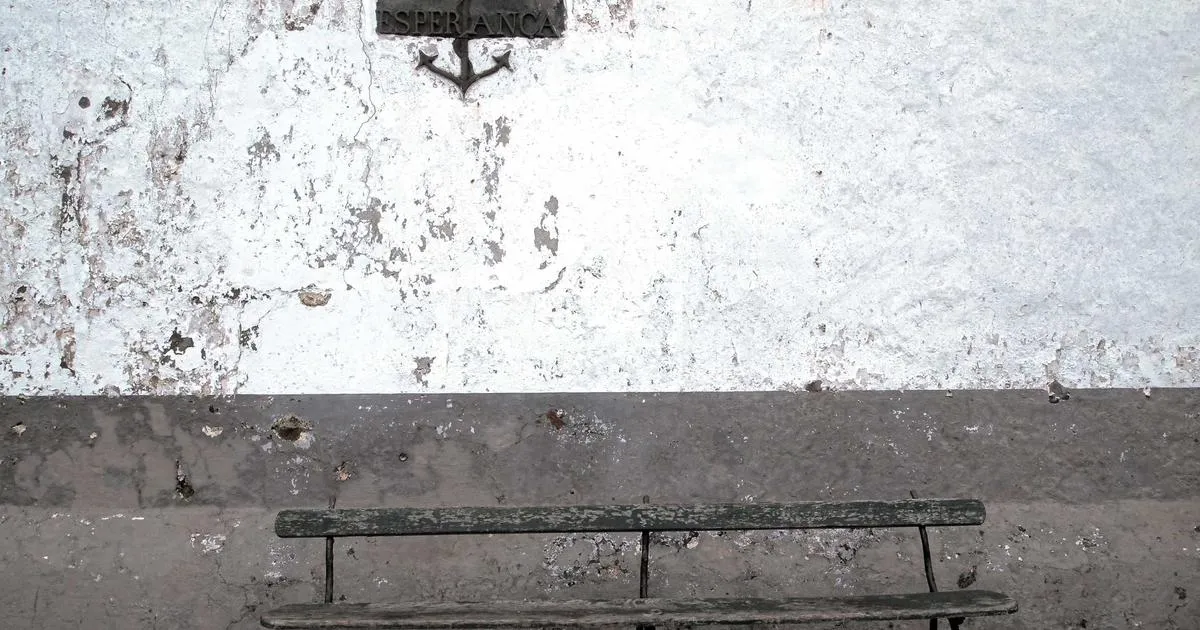
Writing in Markdown feels like writing in Notepad — except everything renders cleanly:
Bold text looks like this. Italic like this. And inline code like this.
A code block looks like this:
// This is Astro — not WordPress, not React
// Just HTML, a little JavaScript, and a .md file
console.log("Hello from Astro")
A blockquote looks like this:
The first project is never the best one. It just has to exist.
And a list looks like this:
- You don’t need React to use Astro
- You don’t need a database to have a blog
- You don’t need Elementor to have a good-looking site
Two ways to add images in Astro
Method 1: Plain Markdown syntax

This is plain Markdown. Works in both `.md` and `.mdx` files. No import needed. Fast to write.

The tradeoff: Astro still optimizes these images, but you have less control over width, height, and loading behavior.Here are results:
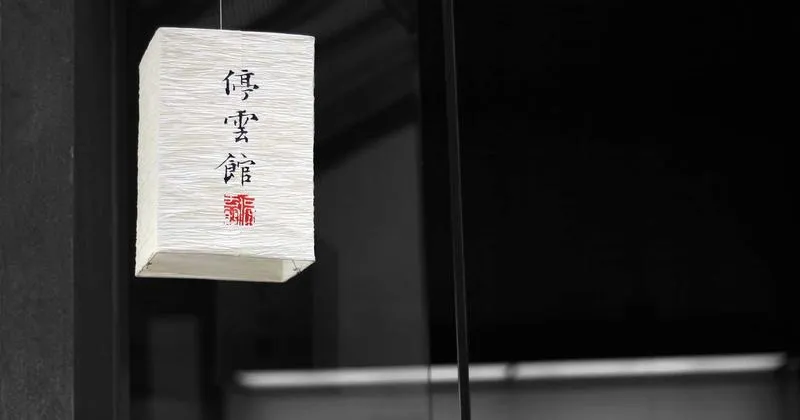
This is plain Markdown. Works in both .md and .mdx files. No import needed. Fast to write.

The tradeoff: Astro still optimizes these images, but you have less control over width, height, and loading behavior.
To whoever is reading this
If you followed the series and you’re looking at your own version of this page right now — your own localhost:4321, your own terminal running, your own first .md file rendering in a browser —
That feeling? That’s real.
It doesn’t matter that the site looks simple. It doesn’t matter that the content is basically nothing yet. What matters is that you made it work.
Hello World.
Welcome to Astro.